How to Update OZ TV APK to the Latest Version
Keep OZ TV current: check your version, update over your existing install, and verify channels, playlists, and casting afterwards.
Read guideShort, practical articles covering setup, compatibility, features, troubleshooting, and everyday use for OZ TV APK.
Browse the current OZ TV APK articles and installation references.
Keep OZ TV current: check your version, update over your existing install, and verify channels, playlists, and casting afterwards.
Read guide
Stop OZ TV buffering with ordered fixes for Wi-Fi, stream quality, casting, background apps, and busy live sources.
Read guide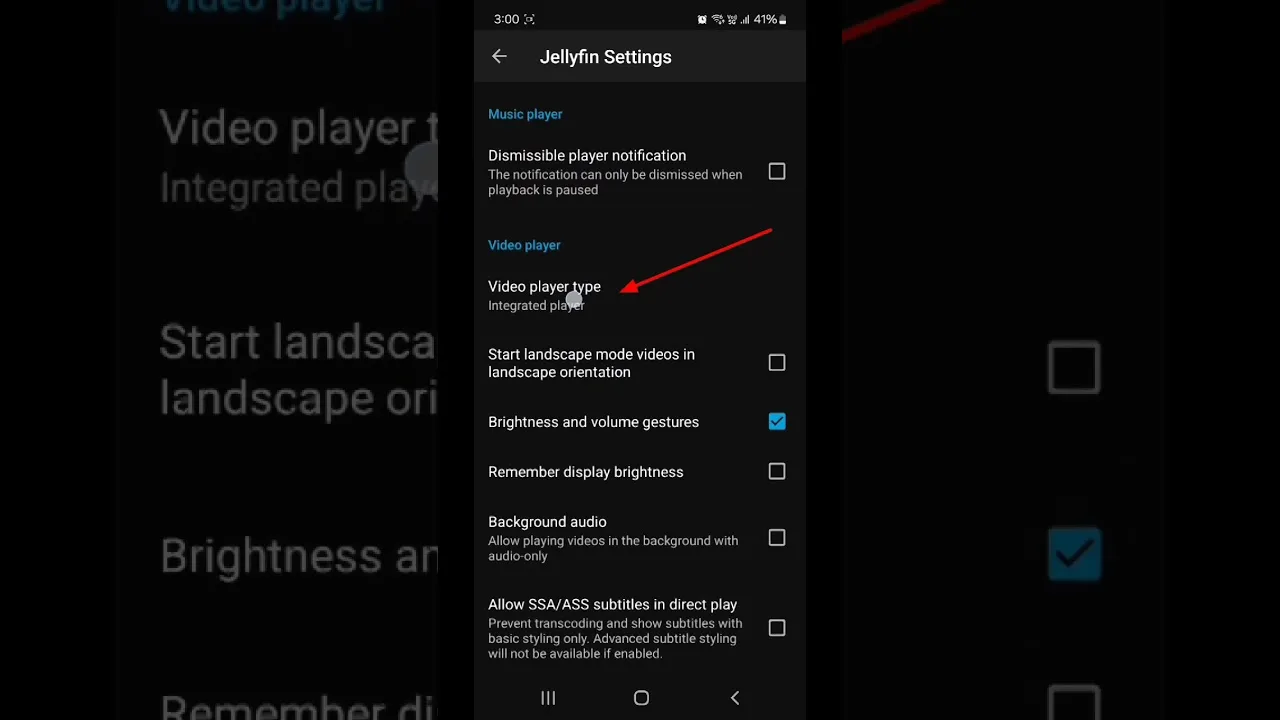
Tune OZ TV for your device and network: quality, decoding, Chromecast behaviour, and data-saving settings explained plainly.
Read guide
Understand OZ TV data usage per hour at each quality level, and keep mobile viewing inside your plan with simple budgets.
Read guide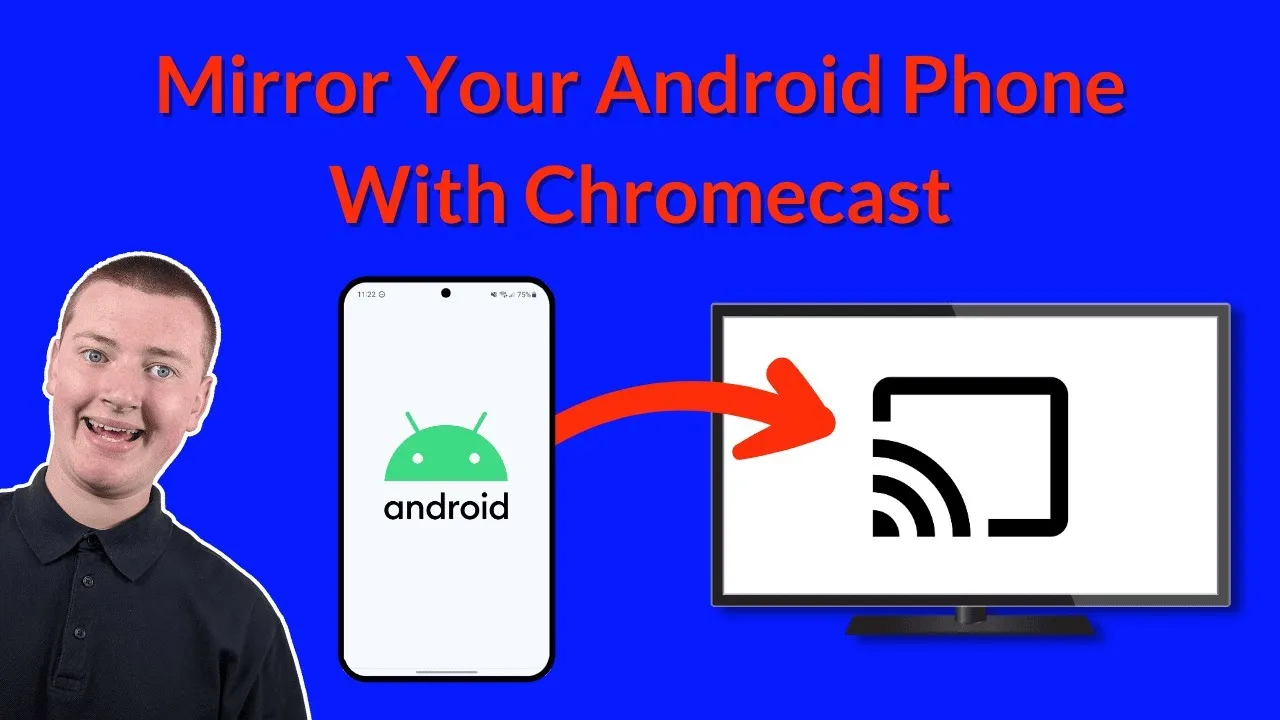
Cast OZ TV to your TV with Chromecast step by step: setup, the same-network rule, and fixes for when the TV does not appear.
Read guide
Make OZ TV run smoothly on a budget or older Android phone with storage, quality, and background-app tips that genuinely work.
Read guide
Set up OZ TV for family viewing: category choices, Android-level controls, and supervision habits for shared phones and televisions.
Read guide
Stop scrolling and start watching: use OZ TV search, categories, and favourites to find films, series, and channels in seconds.
Read guide
Get subtitles working, choose the right audio track, and fix common subtitle sync and language problems in OZ TV.
Read guide
How OZ TV compares with subscription streaming services on cost, live TV, library style, casting, and device freedom.
Read guide
Fix common OZ TV installation errors — app not installed, parse errors, blocked installs, and failed updates — with clear step-by-step solutions.
Read guide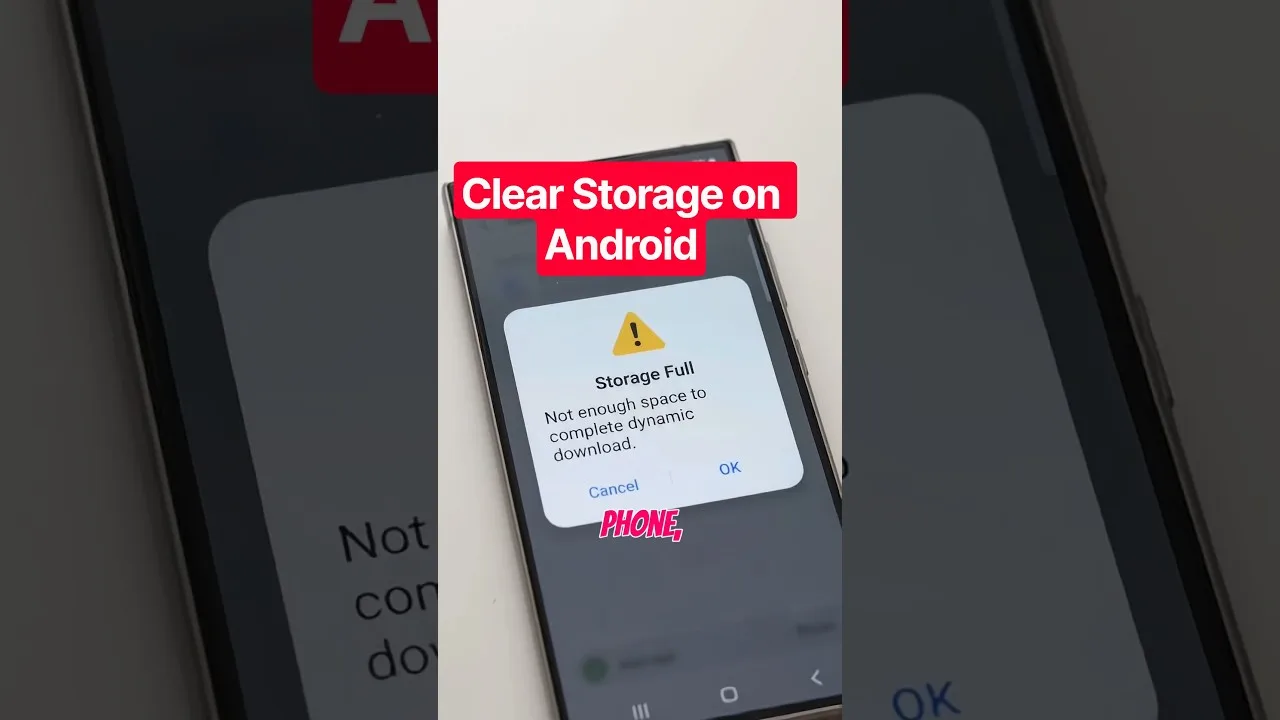
Clear the OZ TV cache safely, understand the difference between cache and data, and free up storage without losing your setup.
Read guide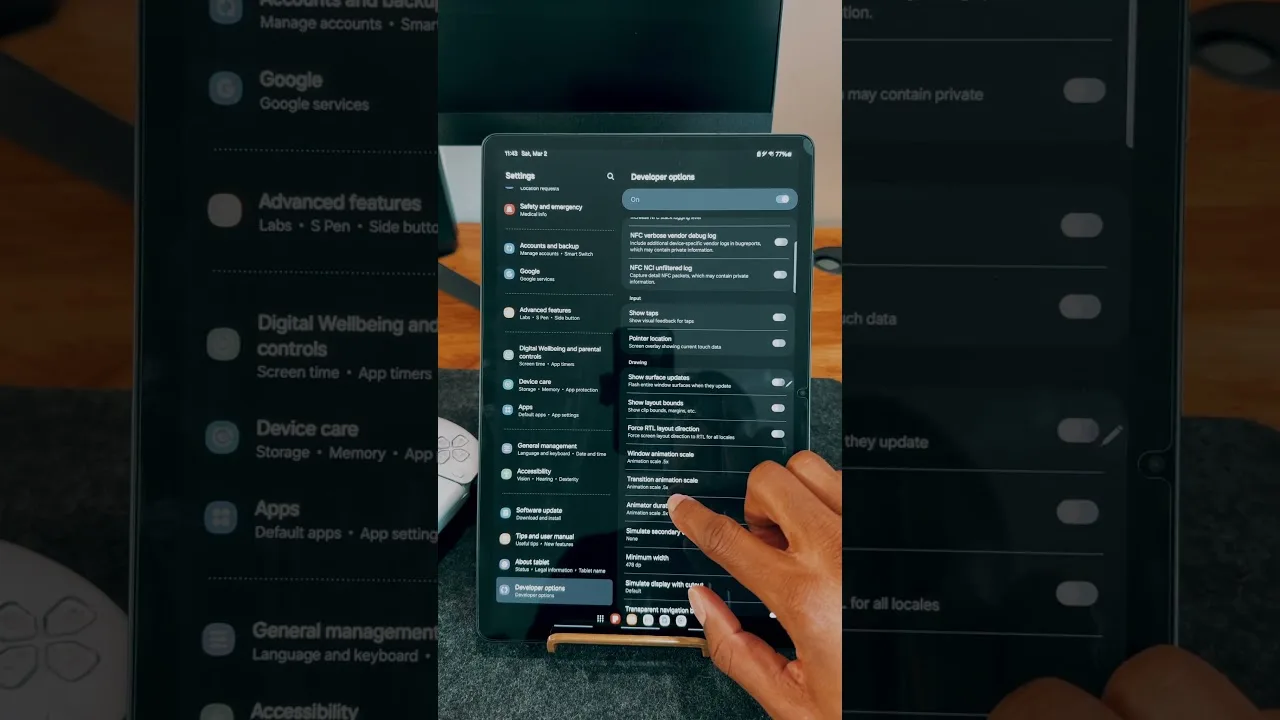
Set up OZ TV on an Android tablet for the best experience: installation notes, display and sound tips, and travel viewing advice.
Read guide
Quick, clear answers to the questions OZ TV users ask most: cost, devices, Chromecast, data use, updates, and troubleshooting basics.
Read guide
Learn how to install OZ TV APK on Android phones, tablets, Fire TV, Firestick, and compatible Smart TVs with simple setup steps and device-specific tips.
Read guide
Explore the main OZ TV APK features including live TV access, playlist support, casting convenience, organized browsing, and practical Android streaming tools.
Read guide
Check which devices work with OZ TV APK, including Android phones, tablets, Android TV, TV boxes, Fire TV-style setups, and emulator-based PC use.
Read guide
Explore OZ TV content categories including live TV, sports, movies, series, news, family content, and broader channel organization for Android users.
Read guide
OZ TV APK not working on your device? Learn common causes, installation mistakes, loading issues, playback problems, and practical fixes for Android users.
Read guide
Discover practical ways to use OZ TV APK for live sports, everyday TV, movie watching, larger-screen casting, and broader Android entertainment needs.
Read guide